
Built into the platform. A partner school does not start using it automatically.
Timetable
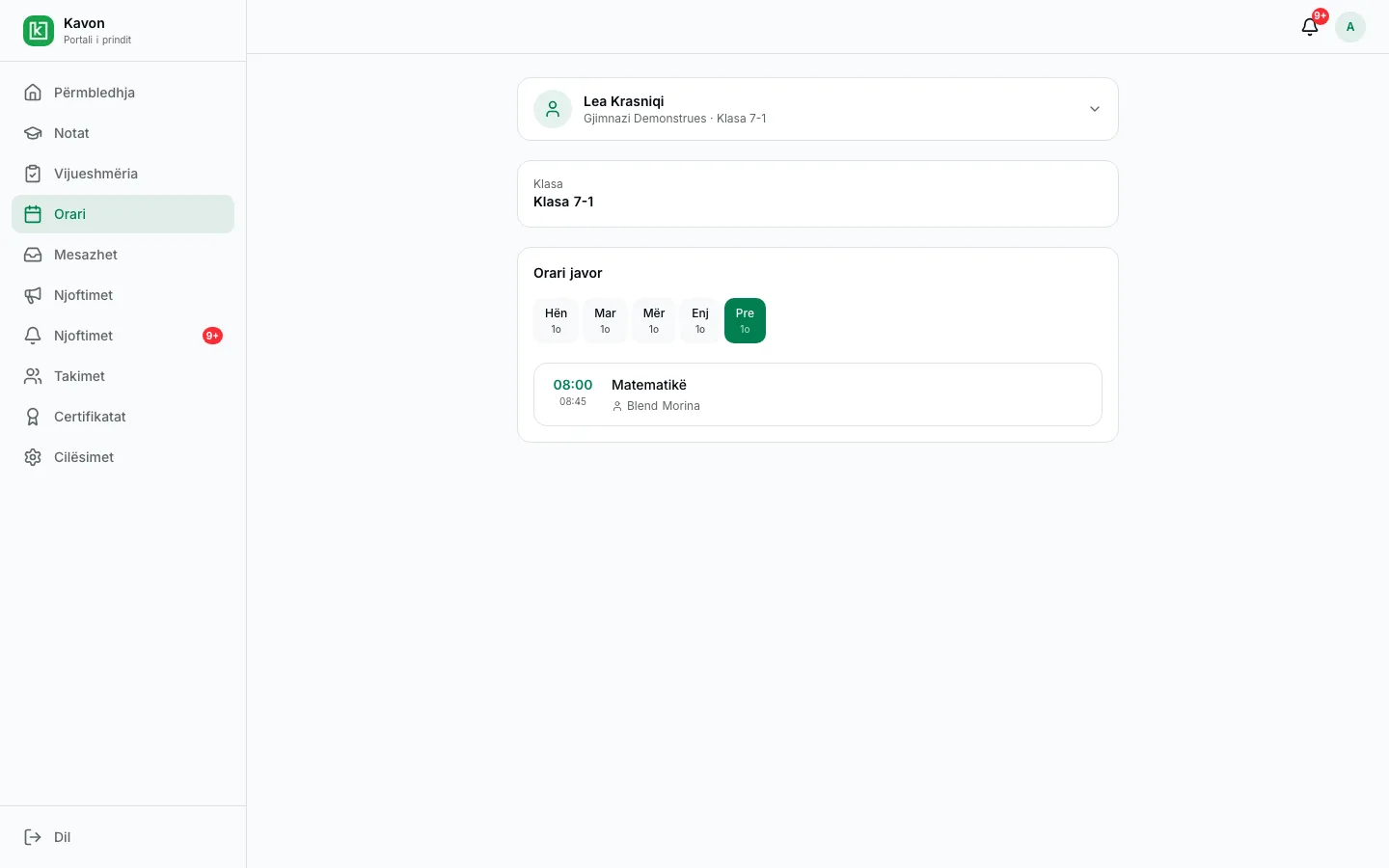
The weekly timetable is built on the school’s classes, subjects, and teachers, with conflict checks and the year’s holidays.
How it works in practice
01
Define periods and classes
Start from the academic year, classes, and subjects already in the school.
02
Place the week
Assign teachers and time slots. Resolve conflicts the builder flags.
03
Publish
Teachers, students, and parents see the current timetable.
Who uses it
- Director: the school timetable and the academic-year calendar.
- Teacher: their own week.
- Student: their own week.
- Parent: the linked child’s timetable.
Key capabilities
- Timetable builder
- Place subjects, classes, and teachers on the weekly grid.
- Conflict detection
- Catch teacher or class clashes before the timetable is published.
- Official holidays
- Apply public holidays to the year so those dates are not teaching days.
- Teacher and student views
- Each person sees their own week. Parents can see the student’s schedule.
- Tied to school structure
- The timetable uses the same classes, homerooms, and subjects as the rest of the school.
- Changes during the year
- Adjust periods when the school needs to, without rebuilding the year.
Frequently asked questions
Related
- Parent portalA parent follows the linked child: published results, attendance, excuses, messages, and meetings.
- Messages and meetingsA parent writes to an eligible teacher and requests a meeting. Announcements and notifications stay in the same portal.
- Register and assessmentTeachers enter assessments for the class and subject. Published results are visible to the student, the parent, and school leadership.
For an interested school
Request a presentation. We will talk through this workflow with your school. There is no public price on this page.